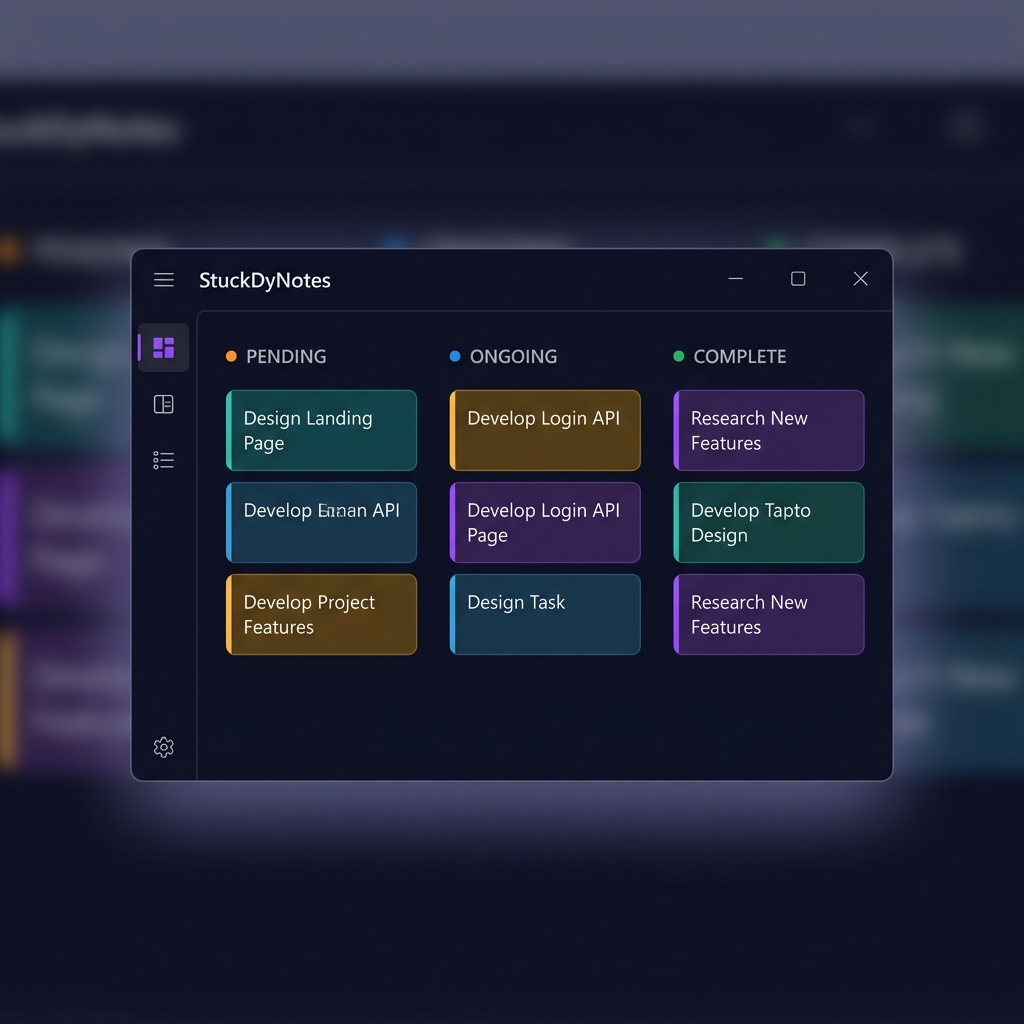
StuckDyNotes is a sleek Kanban desktop widget for students and employees — drag, drop, and conquer your to-do list without leaving your workflow.
✓ Free forever · ✓ No account needed · ✓ Works offline
Available on
Built to be lightweight, fast, and distraction-free — so you can focus on getting things done.
Drag and drop tasks between Pending, Ongoing, and Complete columns. Visual clarity at a glance.
Tag each task with a subject or project. Switch between Student and Employee modes in one click.
Set due dates and mark tasks as High, Medium, or Low priority. Overdue tasks alert you automatically.
Switch to the monthly calendar to see which days have tasks due. Color-coded dots per task.
Visualize your productivity with a donut chart showing task completion rates across all categories.
Switch between dark, light, or auto system mode. Glassmorphism design looks great in both.
Pin the widget above all other windows so your task list is always visible while you work.
Get system notifications when tasks are coming due. Never miss a deadline again.
Export all your tasks and settings to a JSON file. Import them back anytime, anywhere.
Run the setup wizard. Choose your install folder. Done — StuckDyNotes appears in your taskbar and Start Menu.
Open Settings and add your subjects or projects with a color and label. The app adapts to Student or Employee mode.
Hit "+ Add Task", fill in the title, subject, due date, and priority. Drag cards across columns as work progresses.
Export your tasks anytime from Settings. Keep a backup JSON file and restore it on any device whenever you need.
One app, two modes. Pick the one that fits your life.
Keep all your assignments organized by subject code. Track deadlines across multiple courses.
Manage work projects and tasks directly from the desktop. Stay focused without switching apps.
Download StuckDyNotes and take control of your tasks — for free, forever, with no account required.
Windows 10 / 11 · 64-bit · ~80 MB · v1.0.6